Important: Please reach out to Aatrox support to be provided with your mobile number PIN
From Apple Watch App > Mobile > Setup Mobile Plan
From Samsung Galaxy Wearable App > Watch Settings > Mobile Plans > Click Next
You will be directed to this webflow from the respective watch apps:
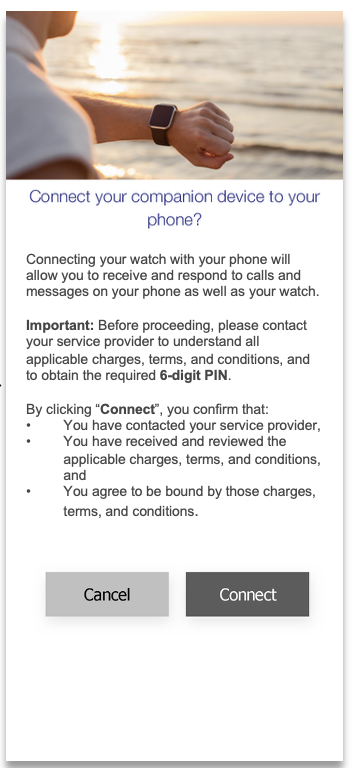
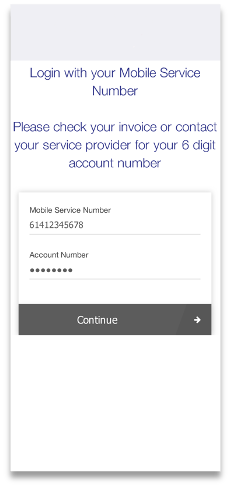
Enter your mobile phone number / Account PIN.
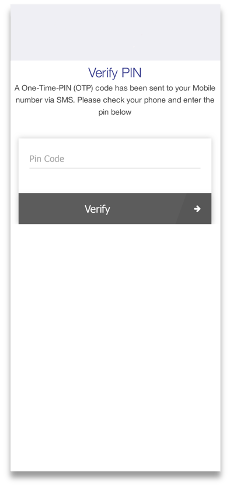
Verfify Pin
Accept TOS
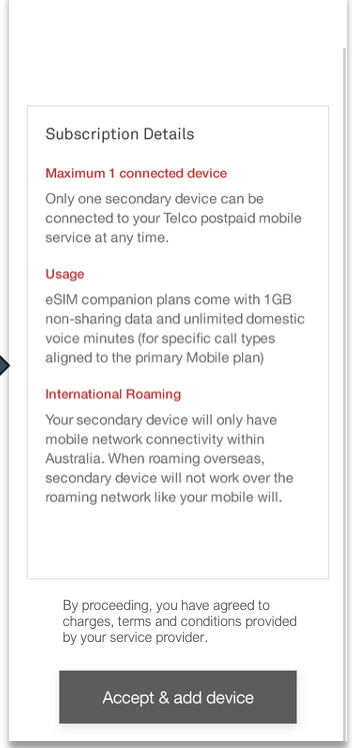
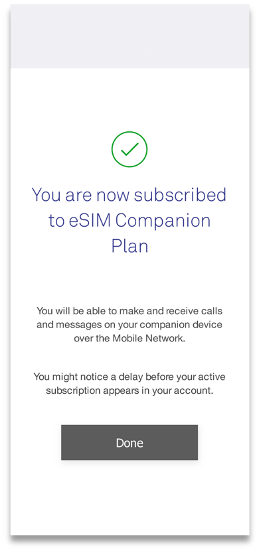
You are now connected
Was this article helpful?
That’s Great!
Thank you for your feedback
Sorry! We couldn't be helpful
Thank you for your feedback
Feedback sent
We appreciate your effort and will try to fix the article